Indie game creator
You need a prop such as a rover, lantern, crate, or stylized creature for an early scene blockout.
Modelai3d gives you a concrete shape to review, revise, and use as a direction for the rest of the scene.
free 3d generatorPrompt to model
Modelai3d puts a free 3d model ai generator at the start of your creative workflow. Describe an object, test a direction, and hand the prompt off to generate a model concept without setting up a complex modeling pipeline.

Modelai3d helps different creators get past the blank canvas by turning a specific description into a workable visual starting point.
You need a prop such as a rover, lantern, crate, or stylized creature for an early scene blockout.
Modelai3d gives you a concrete shape to review, revise, and use as a direction for the rest of the scene.
free 3d generatorYou want to explore the silhouette of a new object before investing time in detailed CAD or surface work.
A generated concept makes proportions easier to compare while the idea is still inexpensive to change.
3d model aiYou have a mood, reference, or unusual object in mind but need a fast first pass to begin sculpting or retopology.
Modelai3d turns the verbal direction into a visual anchor instead of leaving the first step to guesswork.
free 3d generatorYou are practicing form, proportion, and iteration with a small object that is easy to describe and inspect.
Modelai3d keeps the exercise focused on decisions and refinement rather than a long technical setup.
3d model aiThe Modelai3d workflow is deliberately short: give the system a useful brief, inspect what it creates, then improve the direction with a more precise request.
Name the subject, its purpose, key shapes, materials, mood, and any details that matter. Specific language gives Modelai3d more useful constraints to work with.
Treat the first model as a visual draft. Check the silhouette, major proportions, recognizable features, and whether it matches the intended style.
Adjust the prompt with concrete changes such as wider wheels, fewer seams, softer corners, or a different surface treatment, then compare the next result.
If your starting material or end goal is different, these related routes help you choose a better way into 3D creation.
A useful generated model is not magic; it is the visible result of a clear input followed by inspection and revision. Modelai3d makes that change easier to understand at a glance.
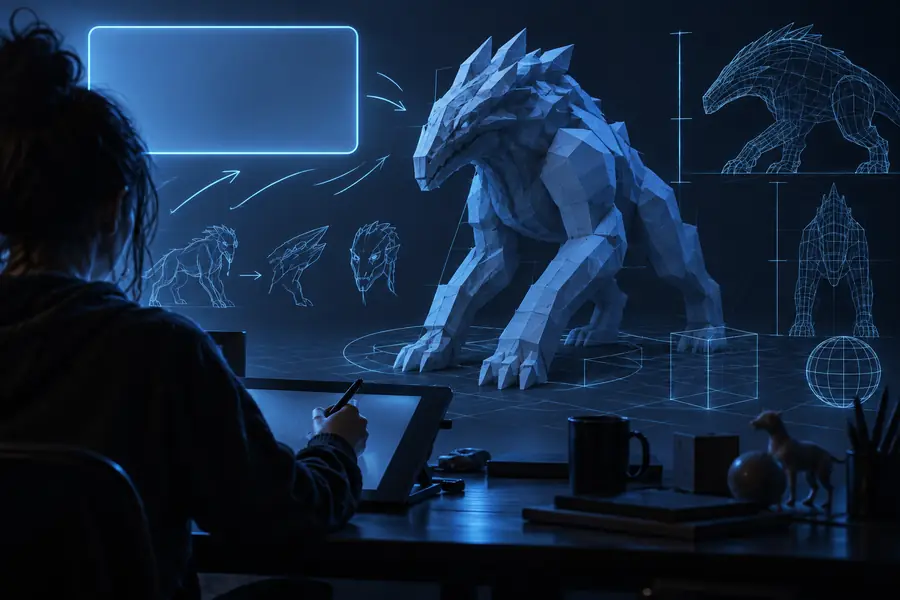 Starting direction
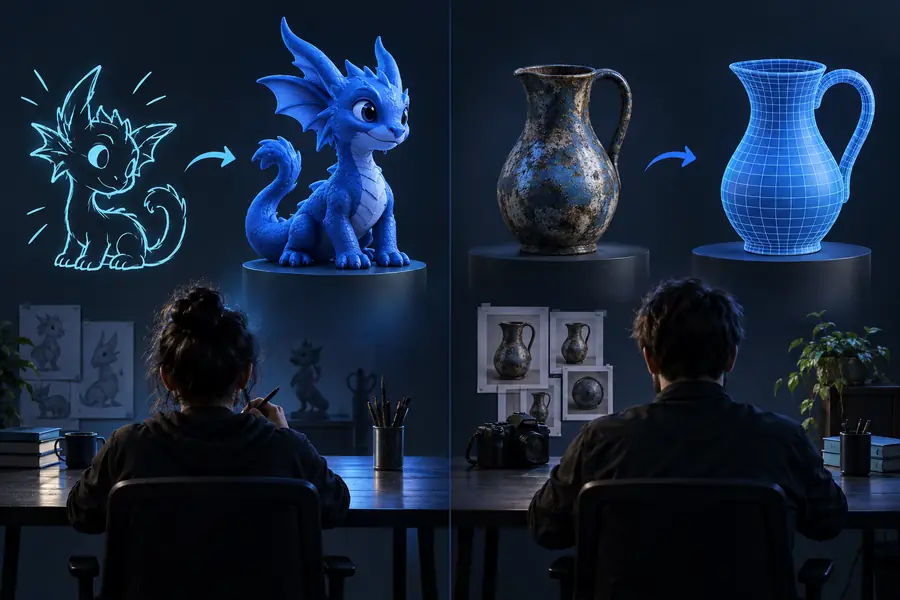 Model concept
Modelai3d is useful for exploration and early production steps, but a generated result still needs judgment. Knowing the edges helps you choose the right next move.
A prompt can communicate the main form while losing tiny fasteners, exact seams, or complex mechanical relationships.
Workaround
Describe the highest-priority details first, then refine one visible feature at a time.
The output can be a strong concept without being immediately ready for deformation, animation, or a demanding production pipeline.
Workaround
Use Modelai3d for the base direction, then retopologize, repair surfaces, and validate the mesh in your usual tools.
The generator does not know which proportions, materials, or visual choices best serve your audience or project constraints.
Workaround
Compare versions against a short brief and keep the result that supports the intended use, not merely the most unusual one.
Crowded environments, layered assemblies, and precise multi-part relationships may require several separate generations and manual assembly.
Workaround
Break the scene into distinct objects, establish the main forms first, and combine them during your normal workflow.
Modelai3d gives you a practical place to begin: write the object you have in mind, inspect the generated concept, and keep refining until the shape communicates the idea. Start with one object and a few high-value details.
Generate a 3D modelThese answers cover the practical questions people usually have before trying an AI-assisted 3D model workflow.
It is a tool that uses a written description to create a 3D model or model concept. Modelai3d is designed to help you move from an idea to a visual starting point without building every form manually from scratch.
Yes. Describe the object, its main shape, intended style, and a few important details, then review the generated result. More concrete prompts usually make it easier to judge and refine the output.
Not always. A generated result may need topology cleanup, proportion changes, material work, or other preparation before animation, manufacturing, or a demanding real-time pipeline.
Start with the largest visible problem, such as the silhouette or proportions, and request one or two specific changes. Iterating with focused instructions is usually more effective than replacing the entire prompt each time.
Distinct single objects with clear shapes are a practical place to begin, including props, simple vehicles, furniture, tools, and stylized characters. Highly technical assemblies and crowded scenes are more likely to need multiple passes and manual editing.