Students
A learner needs to understand how shape, depth, and perspective work together in a digital object.
Modelai3d turns an abstract lesson into something visible, rotatable, and easier to discuss.
what are the different types of 3d models3D basics
If you are asking what is 3d model, think of it as a digital object built from geometry, surfaces, and scene data. Modelai3d makes the idea easier to understand through clear visual examples.
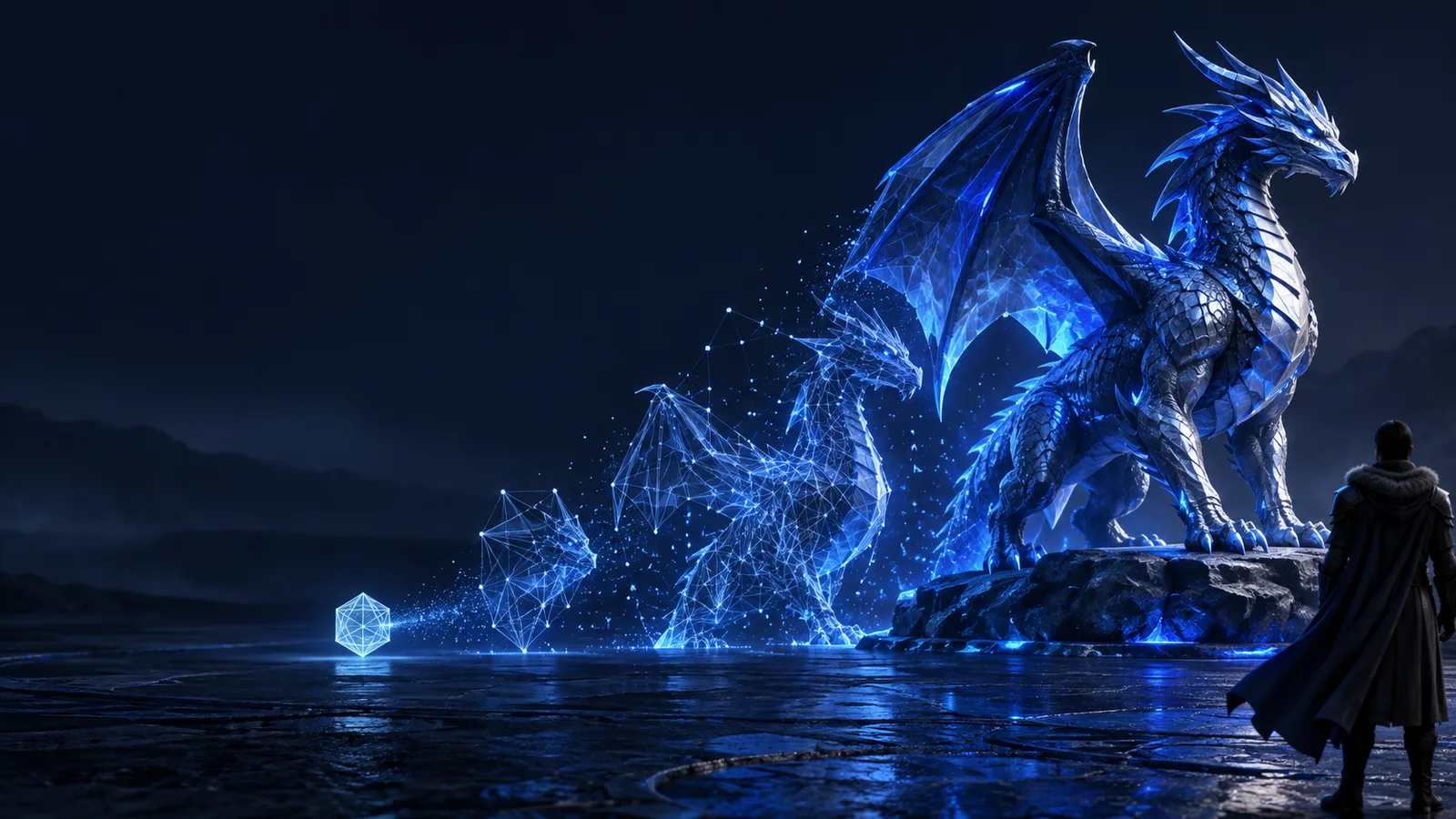
One-line definition
A 3D model is a digital representation of an object, character, place, or idea that can be viewed and edited from multiple angles.
A learner needs to understand how shape, depth, and perspective work together in a digital object.
Modelai3d turns an abstract lesson into something visible, rotatable, and easier to discuss.
what are the different types of 3d modelsAn artist wants a reference for proportions, lighting, or a subject that is difficult to photograph.
Modelai3d provides a reusable visual starting point for drawing, sculpting, or concept work.
model 3d for artA designer needs to test the shape of a lamp, vehicle, package, or household object before production.
Modelai3d helps communicate form early, before materials or manufacturing are committed.
what is a 3d model used forA small team needs a digital prop or environment element for a scene, prototype, or presentation.
Modelai3d gives the team a shared object that can be inspected, staged, and refined.
3d model aiHow it works
Modelai3d follows the same basic logic as most digital modeling workflows: define shape, describe the surface, then place the object in a scene.
Vertices, edges, and faces describe the object's volume and silhouette. Together, they form the mesh that makes a 3D model recognizable.
Materials, colors, textures, and roughness explain how the surface should look when light reaches it. Modelai3d examples separate shape from appearance.
The finished asset can be rotated, rendered, animated, placed in a scene, or adapted for a specific creative and technical workflow.
Keep exploring
Modelai3d connects the definition to practical next steps, whether you want to compare formats, create an asset, or understand the technology behind it.
From idea to asset
A 3D model gives an idea structure, but it is not automatically a finished product. The difference becomes clearer when a rough concept is compared with an organized asset.
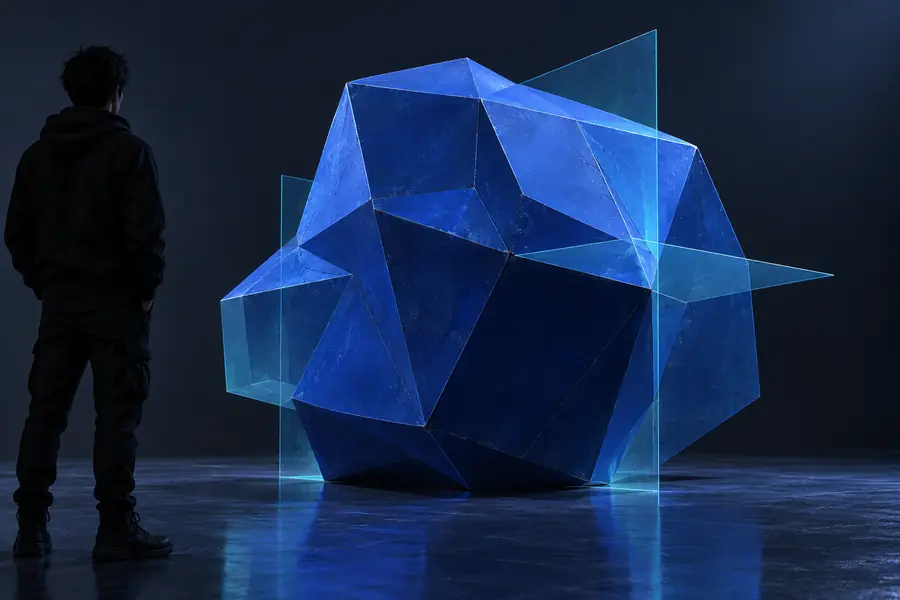 Concept
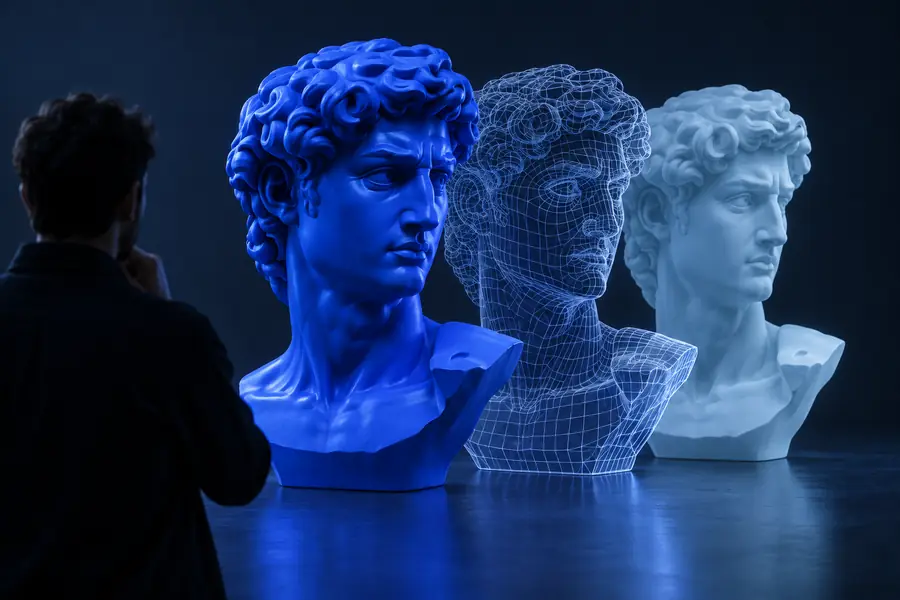 Structured model
Honest caveats
Modelai3d clarifies the role of a digital object without overstating it. These limits matter when moving from a visual asset to a real-world result.
A visually convincing model may still use the wrong scale, tolerances, or internal structure for manufacturing or printing.
Workaround
Set real dimensions and validate the asset against production requirements.
The geometry does not decide the final composition, story, lighting, material choice, or user experience.
Workaround
Use Modelai3d as a controllable starting point, then make deliberate artistic and editorial choices.
A blurry photo, incomplete sketch, or ambiguous prompt can lead to an uncertain result.
Workaround
Provide multiple views, measurements, or a more specific description before refining the model.
A model may need cleanup, retopology, rigging, UV work, or format conversion before another application can use it.
Workaround
Check the destination tool's requirements and reserve time for technical preparation.
Side by side
Both can communicate an idea, but they store and present information differently. Modelai3d is most useful when depth, viewpoint, or editability matters.
Dimensions
Flat image
Shows width and height on a flat surface.
3D model
Stores form across width, height, and depth.
Viewpoint
Flat image
Usually fixed to one captured angle.
3D model
Can be inspected from many angles.
Editable structure
Flat image
Pixels can be retouched, but shape is not separated.
3D model
Geometry, materials, and parts can be adjusted independently.
Lighting
Flat image
Lighting is already baked into the image.
3D model
Lighting can be changed during rendering.
Best for
Flat image
Photos, posters, references, and quick visual communication.
3D model
Visualization, animation, games, design review, and fabrication planning.
Technical readiness
Flat image
Often ready to share immediately.
3D model
May require cleanup, export, or optimization for its destination.
Start with clarity
Modelai3d helps you move from a vague description to a more concrete understanding of digital form. Start with one object, one viewpoint, and one intended use, then refine what matters.
Try 3D modelingCommon questions
A 3D model is a digital object with measurable width, height, and depth. Unlike a flat picture, it can usually be viewed, edited, and lit from different angles.
Most models contain geometry made from vertices, edges, and faces. They may also include materials, textures, colors, and other scene information that control how the object looks.
No. A 3D image is usually a rendered picture of a scene, while a 3D model is the editable digital structure used to create that picture. One model can produce many images from different viewpoints.
People use them to visualize products, create art, build game assets, plan spaces, animate characters, explain ideas, and prepare objects for some manufacturing or printing workflows. Modelai3d is useful when seeing depth and changing perspective are important.