modelai3d

3D AI comparison

meshy vs tripo: choose the right 3D workflow

The best choice depends less on brand preference and more on how you work. This meshy vs tripo comparison separates quick concept generation, image-based modeling, and repeatable production decisions.

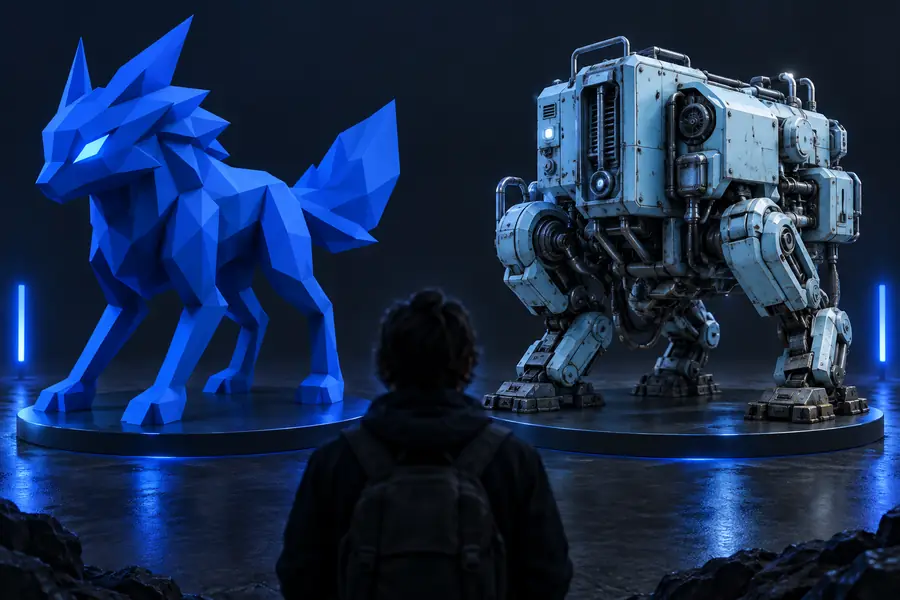
Comparison of two AI-assisted 3D modeling workflows

Side by side

Capability matrix

This matrix focuses on workflow fit rather than claiming that one platform wins every category. Features and interfaces can change, so validate the current tool behavior before a large project.

Meshy
Tripo

Best starting point

Meshy

Text prompts and rapid concept exploration

Tripo

Reference images and visual shape exploration

Prompting role

Meshy

Useful for describing an object, style, and scene direction

Tripo

Useful when a visual reference carries more information than text

Image-to-3D workflow

Meshy

A practical option when the source image needs interpretation

Tripo

A natural fit when image reference is central to the task

Concept iteration

Meshy

Strong for trying several written directions quickly

Tripo

Strong for testing variations around a visual reference

Topology expectations

Meshy

Generated geometry still needs inspection and possible cleanup

Tripo

Generated geometry still needs inspection and possible cleanup

Material and texture review

Meshy

Check texture continuity, seams, and intended surface detail

Tripo

Check texture continuity, seams, and intended surface detail

Export readiness

Meshy

Treat the first export as a draft until tested in the destination app

Tripo

Treat the first export as a draft until tested in the destination app

Learning curve

Meshy

Lower friction for prompt-led experimentation

Tripo

Lower friction for users who think in images and references

What can go wrong

Shared pitfalls

A comparison is only useful if it includes the failure modes both platforms share. AI generation accelerates the first pass; it does not replace review.

Meshy

Our pick

Choose it first for prompt-led concept work.

  • Text descriptions can establish an object, mood, and visual direction quickly.
  • Several prompt variations make early ideation easy to compare.
  • A simple starting workflow helps beginners reach a visible result.
  • Prompt changes may alter proportions or details you wanted to preserve.
  • Generated topology and hidden surfaces still require inspection.
  • A visually strong preview may not be ready for animation or fabrication.
Tripo

2

Choose it first when a reference image carries the brief.

  • Image-led workflows can preserve visual cues that are difficult to explain in words.
  • Useful for turning a recognizable reference into a 3D starting point.
  • Good fit for artists who prefer adjusting inputs visually.
  • A single image cannot fully describe hidden geometry or exact depth.
  • Ambiguous silhouettes can produce surprising structure on unseen sides.
  • The result may still need retopology, material work, or proportion edits.

Make the call

Our tradeoff

There is no universal winner. Pick the workflow that reduces uncertainty at the earliest stage of your project.

Choose this when

You have a written idea but no suitable reference image.

Start with Meshy.

Text gives you a direct way to explore silhouette, style, and object variants before investing in detailed modeling.

Choose this when

You already have a strong product photo, character image, or concept sheet.

Start with Tripo.

The reference contains visual relationships that would take longer to communicate through a prompt alone.

Choose this when

You need dependable production geometry immediately.

Use either as a draft generator, then move into a cleanup workflow.

Neither tool should be judged only by its preview. The final choice depends on topology, scale, materials, rigging, and destination requirements.

Inspect the output

A preview is not the finished asset

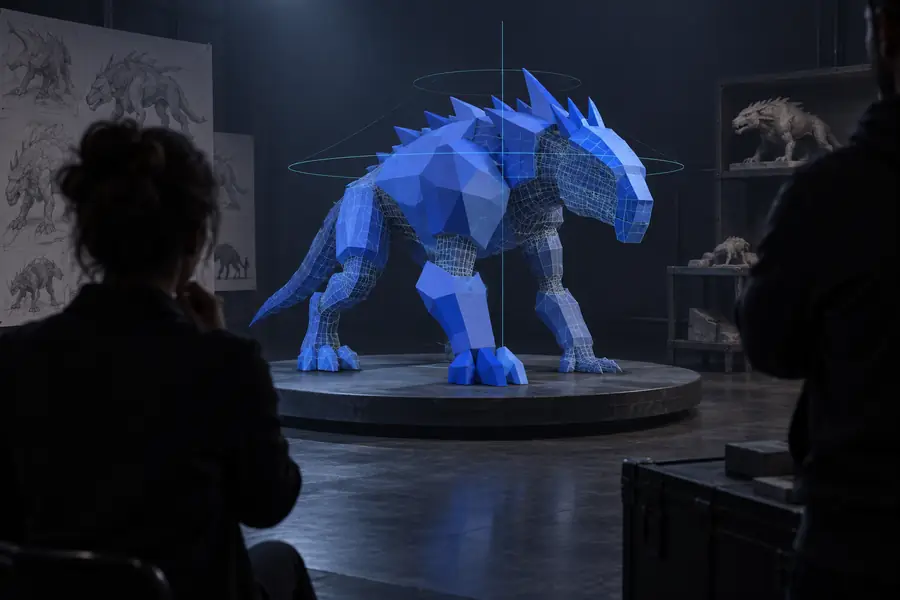
Use the comparison view as a reminder to judge the complete result, not only the first attractive render.

Early AI-generated 3D concept awaiting review Finished 3D model prepared for download and further use First pass Reviewed output

Drag the divider to compare

First passReviewed output

Workflow contrast

Generated draft versus manual route

The advantage of either AI tool is concentrated at the beginning of the process. Manual modeling offers control, while generation offers a faster route to a reviewable starting point.

AI comparison route

Manual modeling route

2 AI tools

Creation paths considered

1 modeling workflow

1 generated draft

First visible result

1 hand-built draft

3 checks: shape, mesh, export

Main review stages

3 checks: shape, mesh, export

Limited before cleanup

Direct geometry control

Full during construction

Next step

Turn the comparison into a test

Choose one object from your current project and describe it in a consistent way. Compare the first result against your actual requirements: silhouette, important details, surface intent, and where the file will be used. A small test is more reliable than choosing from feature lists alone.

Test a 3D idea
  • Start with one clearly defined object.
  • Review the mesh before calling it production-ready.
  • Keep the tool that needs fewer corrective passes.

Common questions

Comparison FAQ

These answers keep the decision focused on workflow fit rather than absolute rankings.

Neither is automatically better for every project. Meshy is often the more natural first choice for text-led concept exploration, while Tripo can be a better fit when an image reference drives the brief. Test both against the same object if the decision affects an important project.

Both can be approachable because they provide an AI-assisted starting point instead of requiring every polygon to be modeled manually. Beginners should choose the input style they understand best: written prompts for Meshy or visual references for Tripo. In either case, learn to inspect scale, topology, hidden surfaces, and export behavior.

They can create useful starting assets, but production readiness depends on the destination. A model for a concept image has different requirements from one for animation, a game engine, or 3D printing. Always check geometry, materials, scale, file format, and any rigging or fabrication constraints.

Using both can make sense when you are still discovering the best direction or when text and image references offer different information. Keep the input, output format, and evaluation criteria consistent so the comparison is fair. Once one tool repeatedly needs fewer corrections, standardize on that workflow for similar projects.

Start with the input that matches your real project: a written brief, a reference image, or both. Then compare silhouette accuracy, important details, mesh cleanliness, texture continuity, and export usability. The fastest-looking generation is not necessarily the most efficient result if cleanup takes longer.

Start creating
Start creating